Since some of the custom Clip Studio Paint brushes I’ve made use this feature, I’ve written this post as a quick reference.
In Clip Studio Paint, brushes have a “Direction” setting. This determines the rotation of the brush shape when it’s painted onto the canvas.
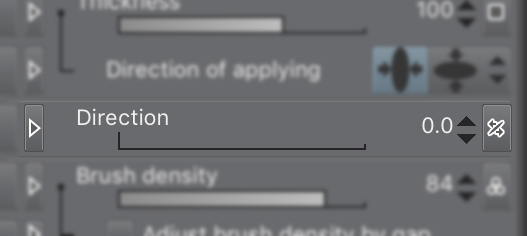
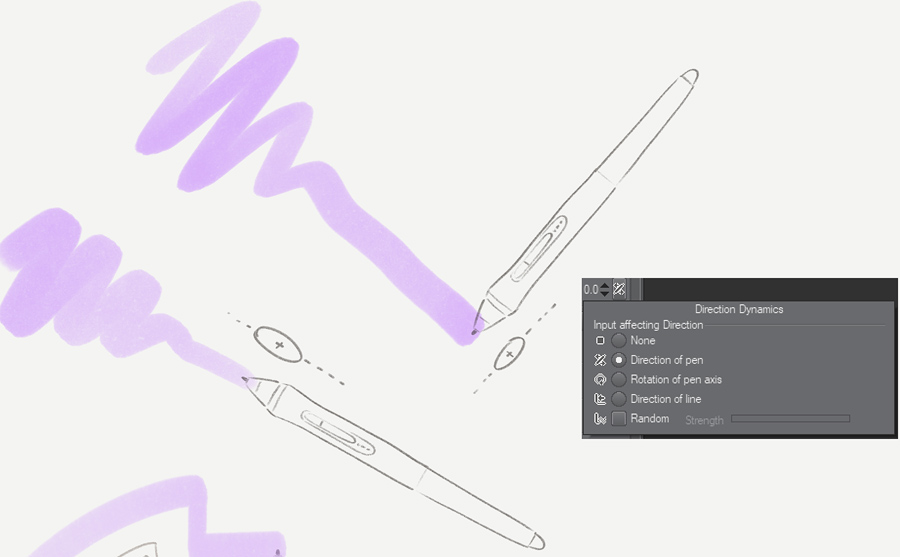
The direction of a brush can have dynamics that are based on certain inputs like pen direction, pen rotation or direction of line. This post describes how “Direction of pen” works.
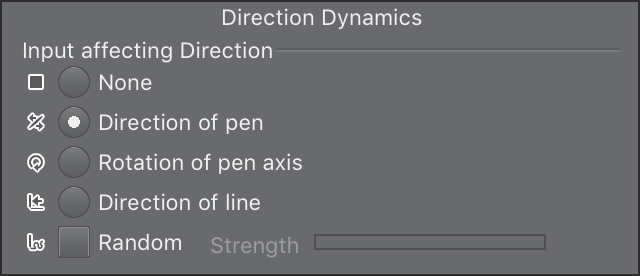
Direction of pen is the direction of pen tilt, as opposed the amount of pen tilt (how much the pen is horizontal or vertical). Pen direction is the angle of the pen you see when you look straight down on your drawing surface.
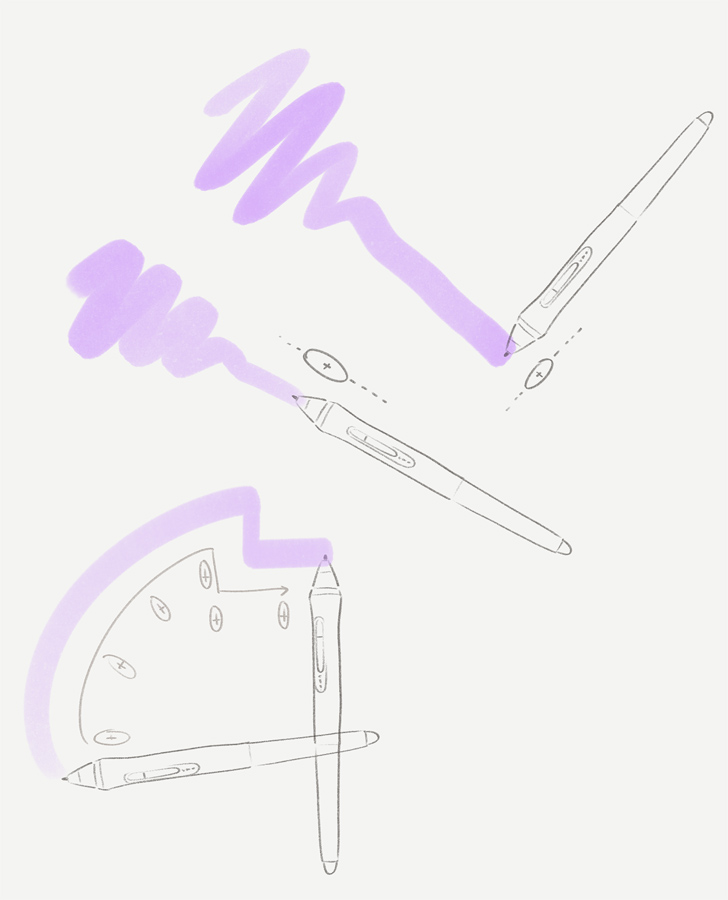
Some custom brushes are designed with this in mind. This means they work best when the device supports this feature. Most EMR pens that support tilt usually also support detection of pen direction, as they rely on the same underlying technology.
If your device doesn’t support this feature, Clip Studio Paint will ignore it. The brush will usually default at a zero angle, as if the pen was pointing forward. In this case, you can change the “Direction” setting slider to suit your needs.
Some pens and tablets that include pen tilt and direction:
- Wacom Intuos Pro (including Intuos 2 to 5)
- Wacom Cintiq (and Mobile Studio series)
- Apple Pencil
- Microsoft Surface pen
- Some Huion Pen tablets/screens since 2018.
- Some XP-pen tablets/screens since 2019.
Make sure you check your pen tablet/pen screen’s official website to see if it supports tilt and pen direction.
A note on Huion pens (as of 2022)
I tried a Huion 22″ screen tablet in 2022 and the pen has very peculiar characteristics. This isn’t a complete list but these are some salient ones regarding tilt and direction.
- The shape of the pen (and probably a design around the limitation of their EMR system as a whole) doesn’t allow a very deep tilt. The Apple Pencil allows a far deeper tilt compared to Wacom. But Huion’s pen seems to be only about half of Wacom’s.
- The driver interpreting the tilt seems to be faulty at certain angles. I forget if it was at the primary or secondary cardinal directions. In practical terms, across a stroke that has large changes in pen direction, the tilt also changes noticeably and incorrectly. (I recall it acting as though it was treating X and Y as separate values instead of normalizing their vector into a consistent direction vector.)
This wasn’t the only problem I had with the Huion pen but consider it word of caution: if you live somewhere where you can’t return your purchase, make sure you’re able to try the quality of the pen based on your uses before committing to spending a large amount. There’s a ton that goes unmentioned on spec sheets and reviews.
Further reading
Here’s an interesting article on the technology behind pen tilt detection: https://essentialpicks.com/tilt-sensitivity-and-rotation-in-stylus/


 Pharan Art and Tech
Leave a comment